
Easy to use control panel
Track My Asthma is an easy way to track your asthma. Use it as a personal asthma diary, or to track the asthma of several people. The control panel gives you one place from which every part of the app is a tap away.
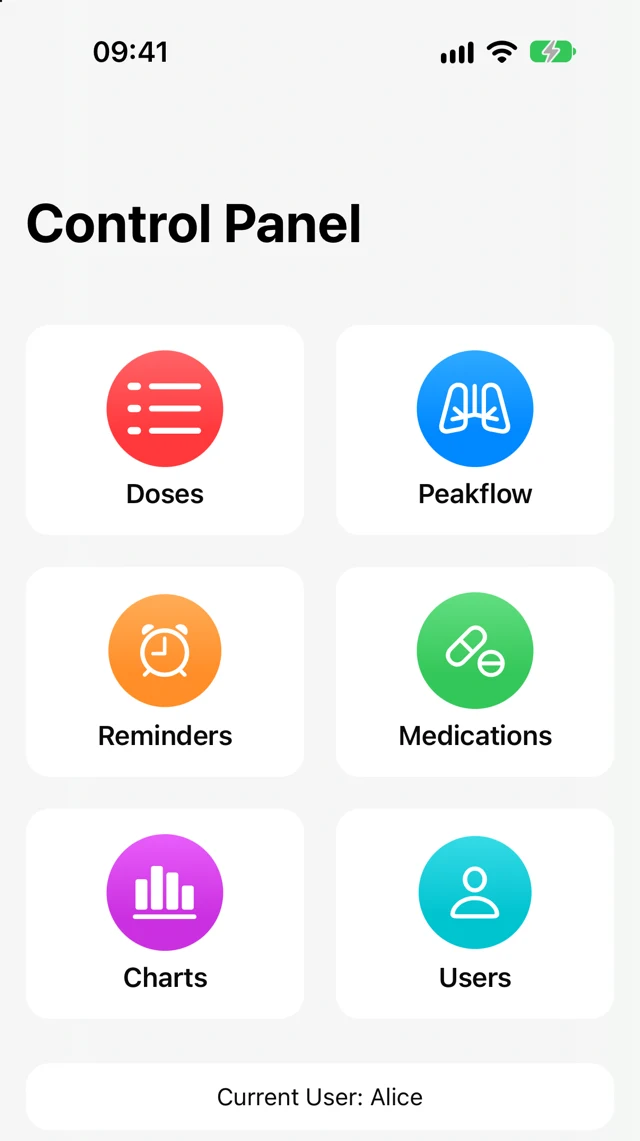
Keep every dose and peak flow reading in one place, set reminders, and see how things change over time — for one person or the whole family.
Your records stay on your device. Export them to CSV whenever you want.
Six parts of the app, each with one job.
Track My Asthma is an easy way to track your asthma. Use it as a personal asthma diary, or to track the asthma of several people. The control panel gives you one place from which every part of the app is a tap away.
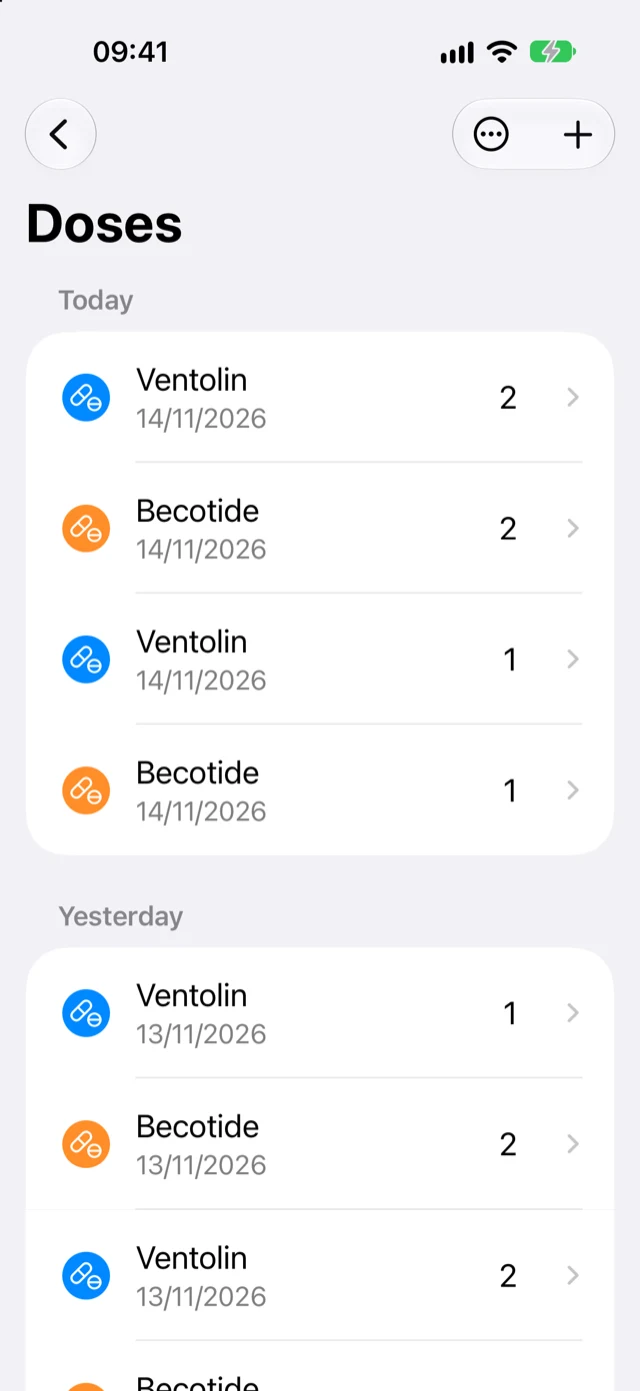
Every time you take a dose, add it to the Doses page for a complete diary of medication usage. Colour coding makes it simple to see if doses are being missed, and you can filter by medication to see just those doses. Your health data is yours, so you can export it to CSV at any time.
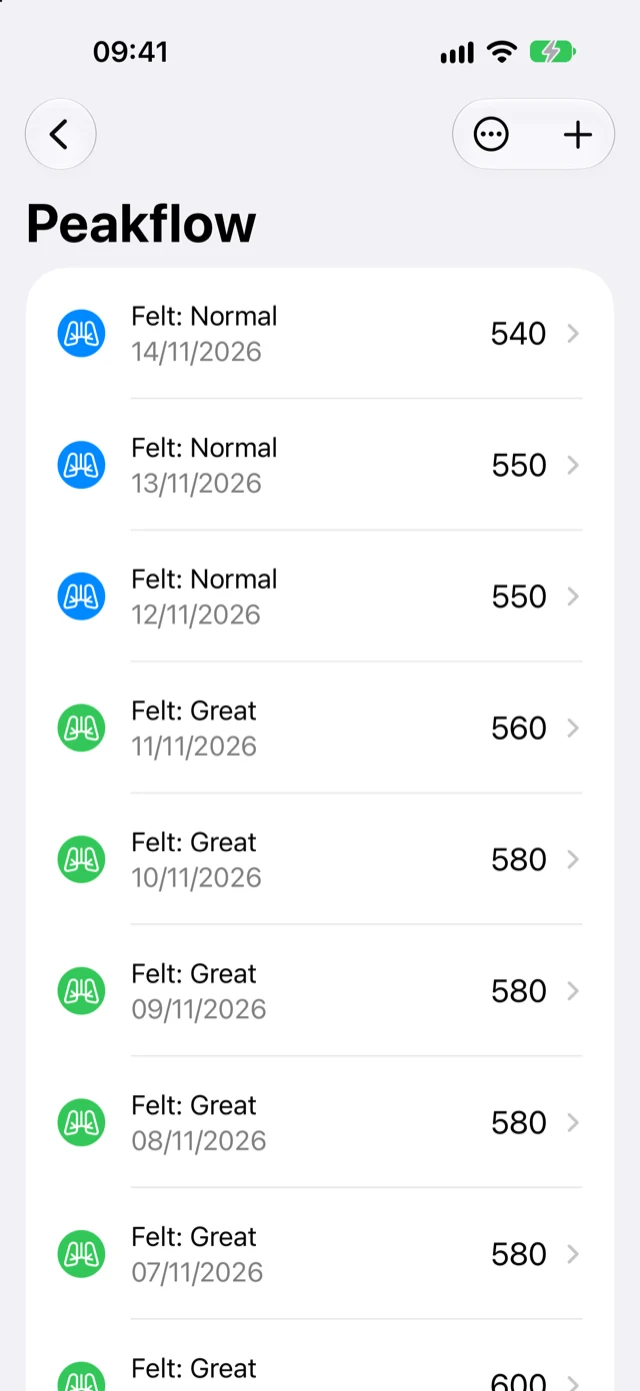
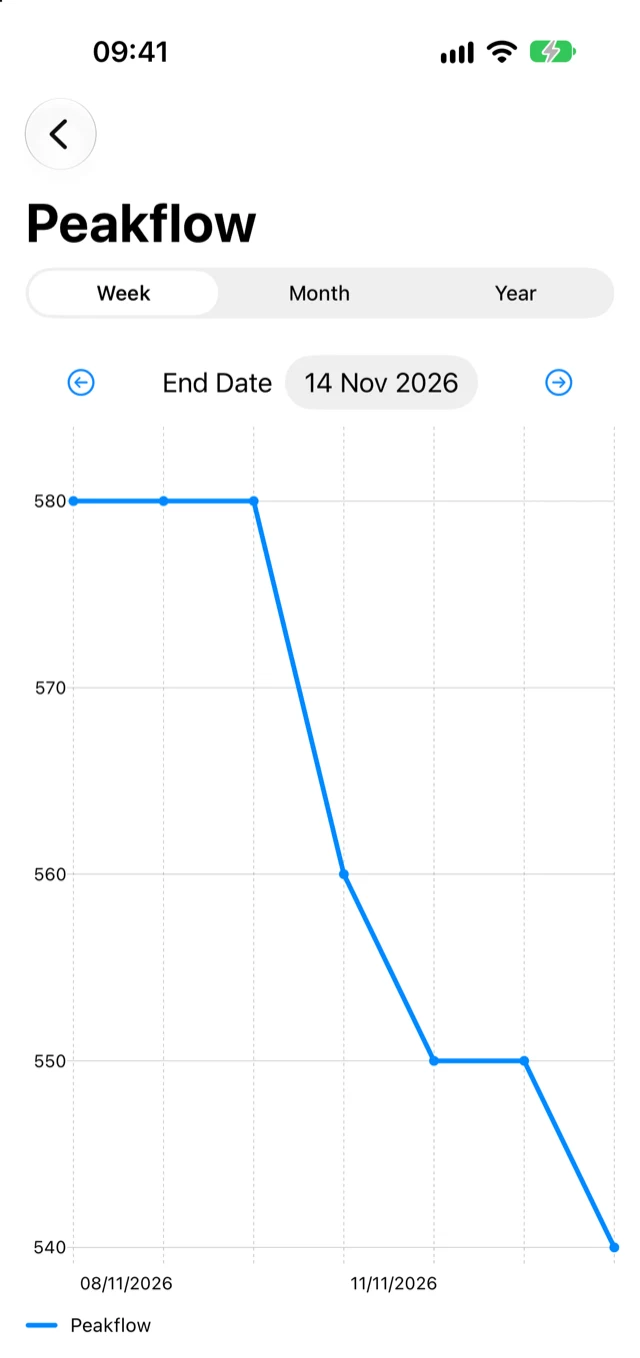
When you take a measurement, add it to the tracker for a full record of your peak flow readings. You can mark how you were feeling at the time to keep track of symptoms, and you can add your peak flow data to Apple Health. As with your doses, the data can be exported to CSV at any time.
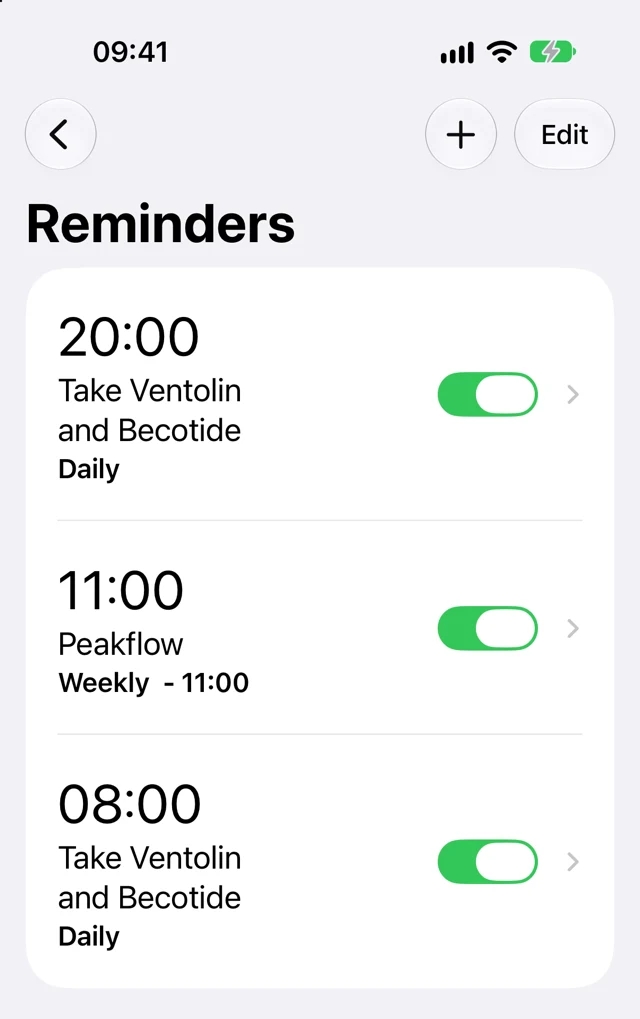
Set reminders to be notified when it is time to take your medications, do a peak flow reading, or book an appointment with the doctor or asthma nurse. Reminders can repeat daily, weekly or monthly, or be a one-off.
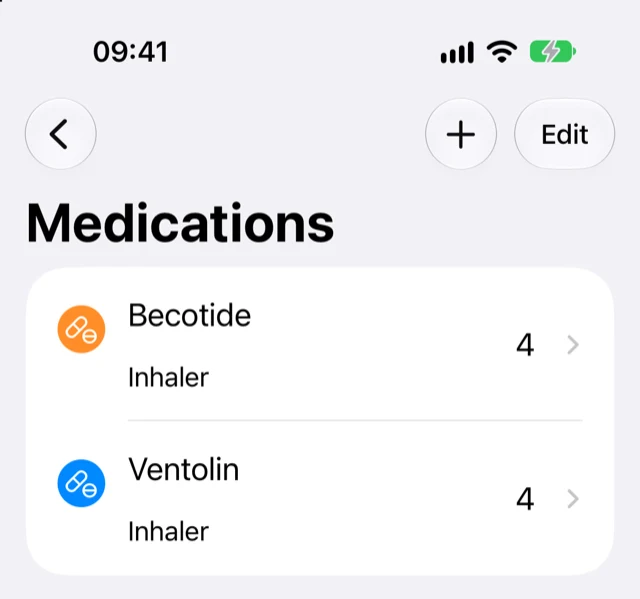
On the Medications page, add every medication you want to track: its name, the number of doses per day, whether it is an inhaler or a tablet, and any notes. If it is your rescue medication, you can add it to the Inhaler Usage section of Apple Health.
The Charts page shows your progress over time. For each medication you track, you can view the doses you have taken, and the peak flow chart helps you see changes over time. If you need them, you can export the underlying chart data as CSV.
Track My Asthma keeps your asthma records on your device. Export your doses and peak flow readings to CSV whenever you like, and choose whether your peak flow data goes to Apple Health.
Read the privacy policyTrack My Asthma is on the App Store.